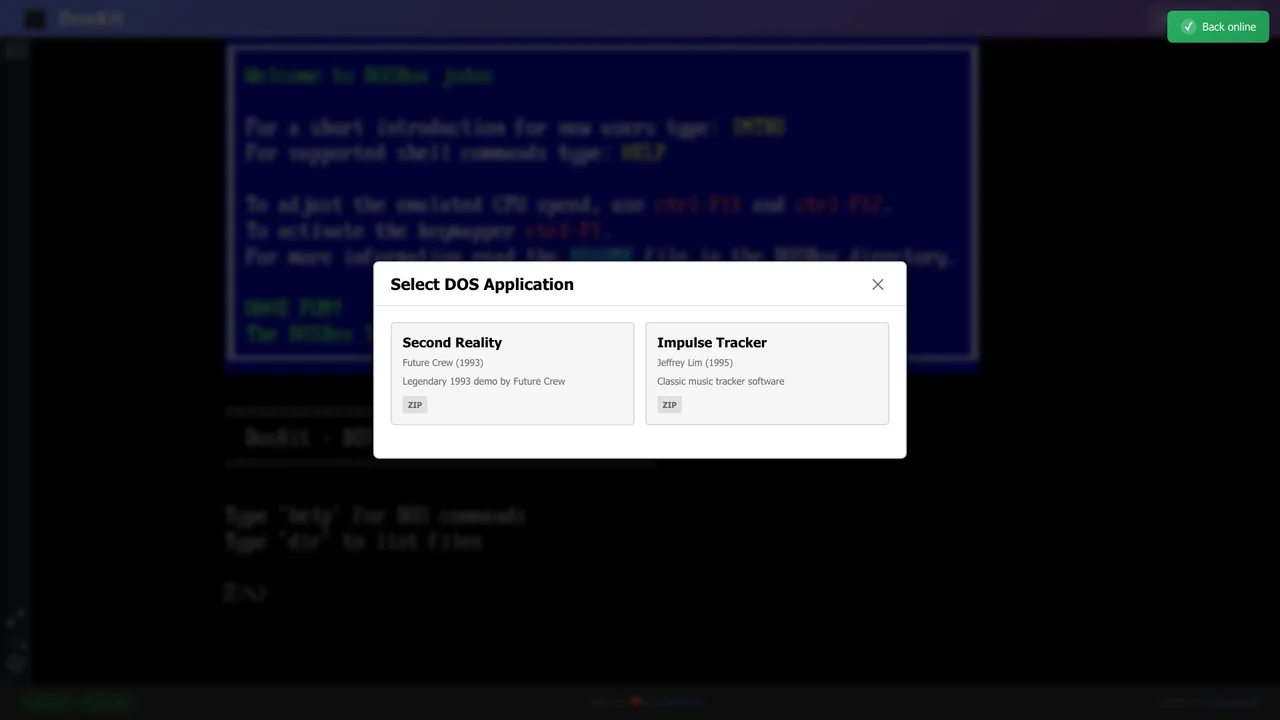
DosKit brings classic DOS software to modern browsers through WebAssembly emulation. No installation, no configuration—just click and experience computing history.
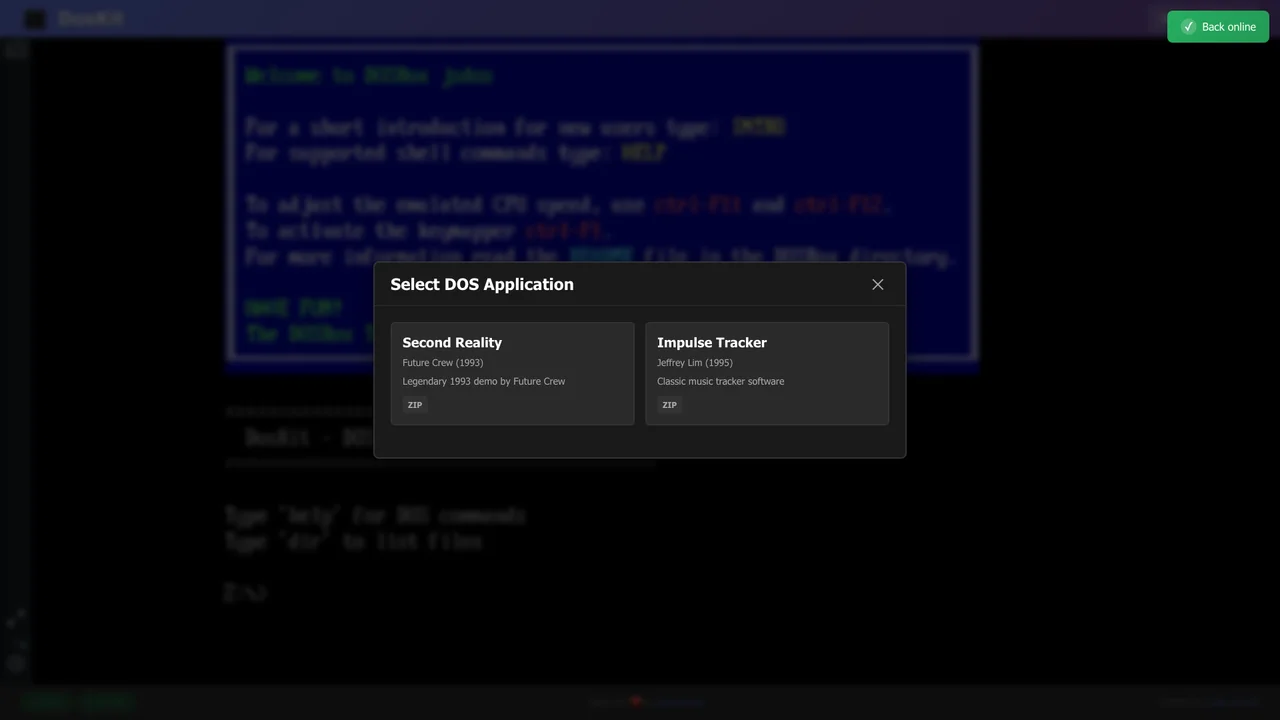
DOS Emulator Preview
Key Features
- Instant Access: One-click access to DOS software
- Browser-Based: Runs entirely in the browser via WebAssembly
- Curated Library: Classic demos, games, and applications
- Mobile Friendly: Touch controls for mobile devices
Technical Implementation
DosKit leverages js-dos, a WebAssembly port of DOSBox, to run x86 DOS binaries directly in the browser:
const dos = await Dos(canvas, {
  wdosboxUrl: '/wdosbox.js',
  autoStart: true
});

await dos.fs.extract('/software.zip');
await dos.main(['-c', 'SOFTWARE.EXE']);
The emulator handles CPU emulation, memory management, and audio/video output, providing an authentic DOS experience without any native installation.
Why this was worth building
A lot of classic software preservation efforts are technically impressive but still inaccessible to most people. If someone has to learn emulator configuration before they can try a demo, the preservation effort has not fully crossed into public accessibility. DosKit was built to reduce that gap to a single click.
Product and engineering tradeoffs
Running old software in the browser sounds simple until you account for startup time, asset packaging, keyboard handling, audio behavior, and mobile input. The experience had to feel immediate enough for casual exploration while still preserving the character of the original software.
That led to a few practical decisions:
- keep the launch path short so users reach the software quickly
- package software and emulator configuration together instead of expecting manual setup
- support touch controls for devices that do not have a physical keyboard
- curate the library so the first-run experience highlights software that is historically interesting and technically representative
What the project demonstrates
DosKit is as much about product framing as it is about emulation. It shows how WebAssembly can turn a difficult setup problem into a lightweight web experience, and how careful curation can make a niche technical domain approachable for a broader audience.
Outcome
The end result is a preservation-oriented product that feels contemporary: fast launch, zero installation, cross-device support, and a clear sense of why the software matters. That combination is what makes the project a strong portfolio piece instead of just a technical experiment.
Was this helpful?
Want to learn more?
Ask can answer questions about this project's implementation, technologies, and more.