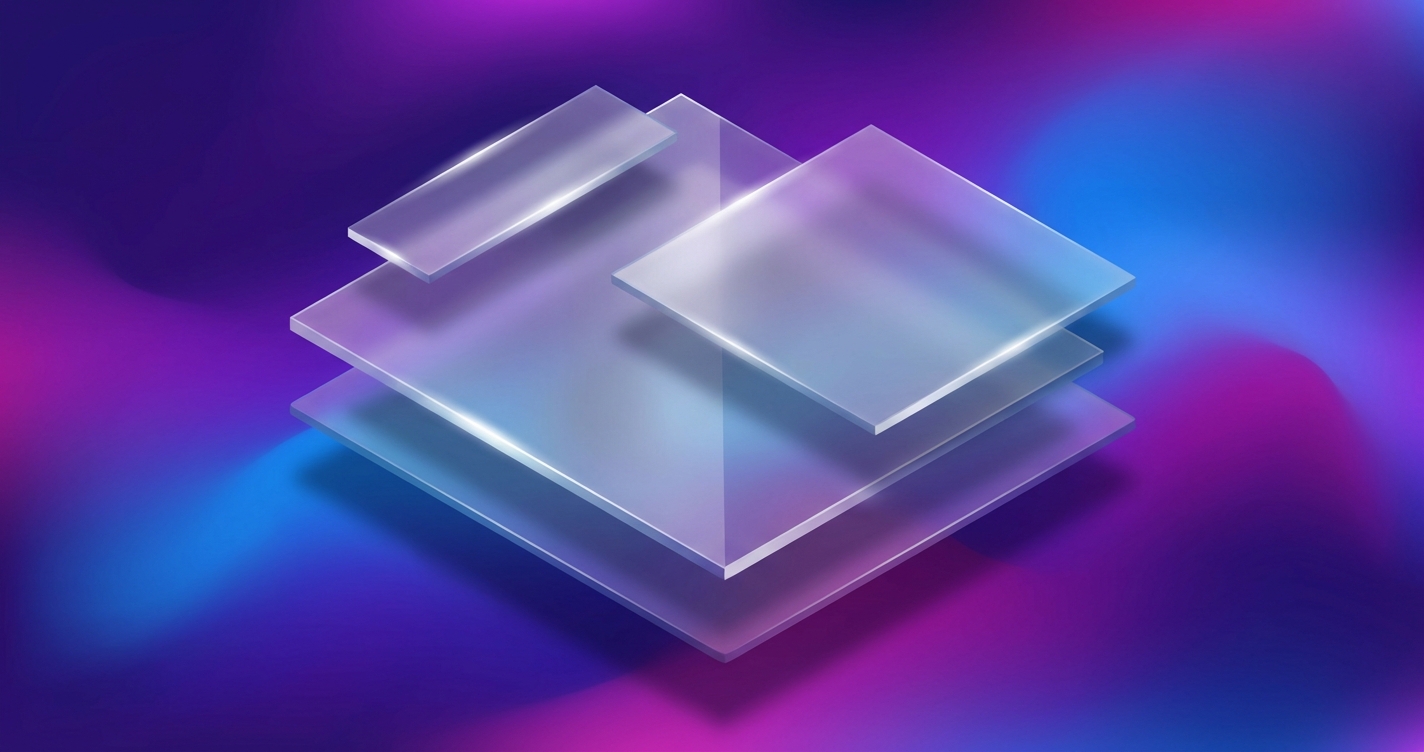
Liquid glass has emerged as one of the defining visual trends in modern interface design, characterized by frosted glass effects that create depth through translucency, blur, and subtle borders. Frostpane provides a production-ready SCSS library that makes implementing these effects straightforward while maintaining performance and browser compatibility.
The Anatomy of Frosted Glass Effects
The frosted glass aesthetic relies on several CSS properties working in concert:
.frost-panel {
  background: rgba(255, 255, 255, 0.15);
  backdrop-filter: blur(10px);
  -webkit-backdrop-filter: blur(10px);
  border: 1px solid rgba(255, 255, 255, 0.2);
  border-radius: 16px;
  box-shadow: 0 8px 32px rgba(0, 0, 0, 0.1);
}
Each property contributes to the effect: the semi-transparent background provides the base layer, backdrop-filter creates the blur on content behind the element, the subtle border adds definition, and the shadow creates depth.
SCSS Architecture for Flexibility
Frostpane uses CSS custom properties combined with SCSS mixins to provide maximum flexibility:
:root {
  --frost-blur: 10px;
  --frost-saturation: 180%;
  --frost-opacity: 0.15;
  --frost-border-opacity: 0.2;
  --frost-radius: 16px;
}

@mixin frost-base($blur: var(--frost-blur)) {
  backdrop-filter: blur($blur) saturate(var(--frost-saturation));
  -webkit-backdrop-filter: blur($blur) saturate(var(--frost-saturation));
  background: rgba(255, 255, 255, var(--frost-opacity));
  border: 1px solid rgba(255, 255, 255, var(--frost-border-opacity));
  border-radius: var(--frost-radius);
}
This approach enables runtime theming while providing sensible defaults. Developers can override individual properties without recompiling the entire stylesheet.
Light and Dark Mode Variants
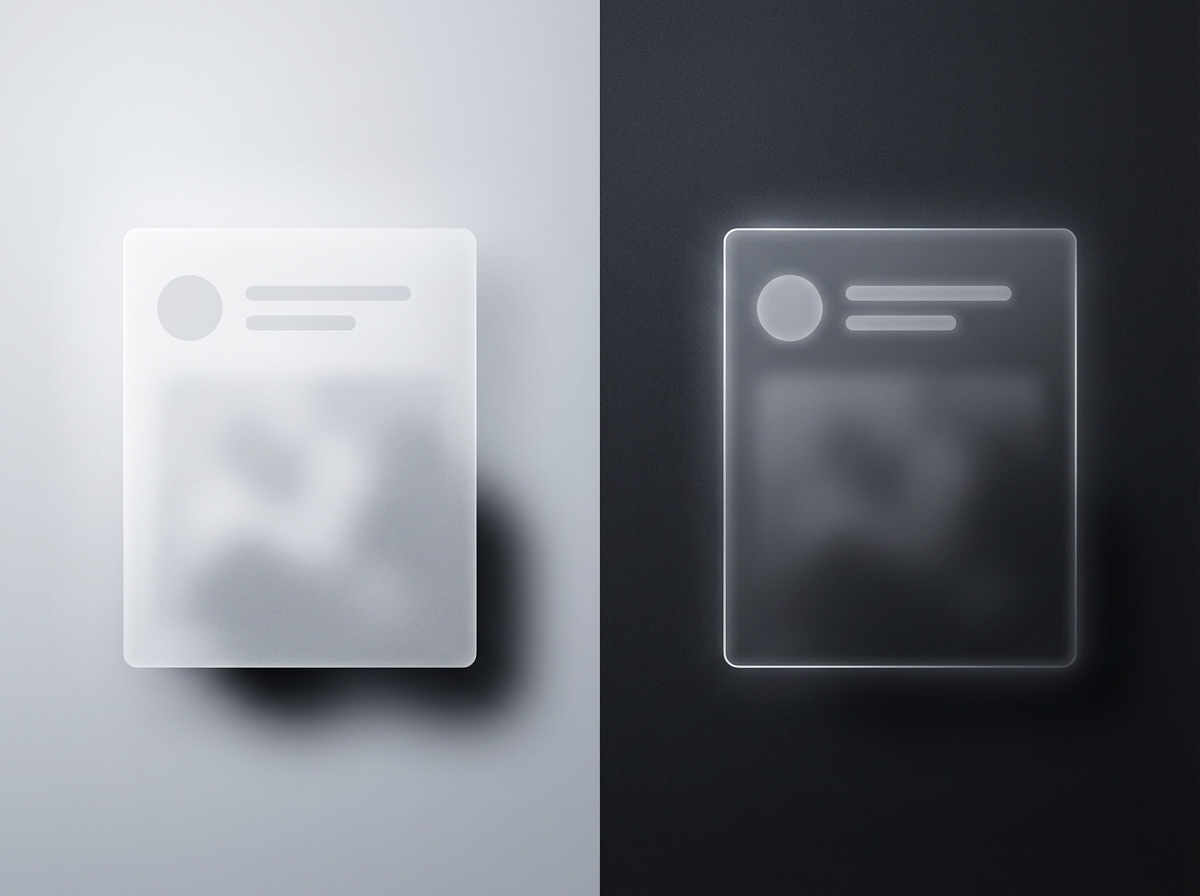
Liquid glass requires different treatments for light and dark backgrounds:
@mixin frost-light {
  @include frost-base;
  background: rgba(255, 255, 255, 0.25);
  border-color: rgba(255, 255, 255, 0.3);
}

@mixin frost-dark {
  @include frost-base;
  background: rgba(0, 0, 0, 0.25);
  border-color: rgba(255, 255, 255, 0.1);
}

@media (prefers-color-scheme: dark) {
  .frost-panel {
    @include frost-dark;
  }
}
The automatic adaptation to system color preferences ensures consistent aesthetics across user environments.
Performance Considerations
Backdrop filters can impact rendering performance, particularly on lower-powered devices. Frostpane includes performance-conscious defaults:
@mixin frost-performant {
  @include frost-base;

  @media (prefers-reduced-motion: reduce) {
    backdrop-filter: none;
    background: rgba(255, 255, 255, 0.85);
  }

  // Fallback for unsupported browsers
  @supports not (backdrop-filter: blur(1px)) {
    background: rgba(255, 255, 255, 0.9);
  }
}
These fallbacks ensure graceful degradation while respecting user preferences for reduced visual effects.
Animation Integration
Smooth animations enhance the liquid glass aesthetic:
@mixin frost-animated {
  @include frost-base;
  transition:
    backdrop-filter 0.3s ease,
    background 0.3s ease,
    transform 0.3s ease;

  &:hover {
    --frost-blur: 15px;
    --frost-opacity: 0.2;
    transform: translateY(-2px);
  }
}
The transition properties create fluid state changes that complement the translucent aesthetic.
Highlight Effects
Adding highlights creates the impression of light catching the glass surface:
@mixin frost-highlight {
  @include frost-base;
  position: relative;

  &::before {
    content: '';
    position: absolute;
    top: 0;
    left: 0;
    right: 0;
    height: 1px;
    background: linear-gradient(
      90deg,
      transparent,
      rgba(255, 255, 255, 0.4),
      transparent
    );
  }
}
This subtle gradient along the top edge suggests a light source above the element, adding to the three-dimensional illusion.
Browser Compatibility
While backdrop-filter enjoys broad support, careful fallback handling remains important:
.frost-panel {
  // Solid fallback for older browsers
  background: rgba(255, 255, 255, 0.9);

  @supports (backdrop-filter: blur(1px)) {
    background: rgba(255, 255, 255, 0.15);
    backdrop-filter: blur(10px);
  }
}
Feature queries ensure that unsupported browsers receive a usable interface rather than broken styling.

Component Variations
Frostpane includes pre-built component styles for common use cases:
.frost-card {
  @include frost-base;
  padding: 1.5rem;
}

.frost-nav {
  @include frost-base;
  position: fixed;
  top: 0;
  width: 100%;
  z-index: 100;
}

.frost-modal {
  @include frost-base;
  max-width: 500px;
  margin: auto;
}
These components provide starting points that developers can customize for their specific design requirements.
Integration Patterns
The library integrates smoothly with existing projects:
// Import the library
@use 'frostpane' as frost;

// Apply to custom components
.my-sidebar {
  @include frost.frost-base;
  @include frost.frost-highlight;
  width: 280px;
  padding: 1rem;
}
The namespaced import pattern prevents style conflicts while maintaining clean, readable code.
See Frostpane in action at cameronrye.github.io/frostpane or explore the source code on GitHub.
Was this helpful?
Have questions about this article?
Ask can help explain concepts, provide context, or point you to related content.